Termorq Learn: Workflows
Build Termorq Workflows from your first block to a capstone pipeline that uses every runnable node type, all seven code languages, and an HTTP trigger.
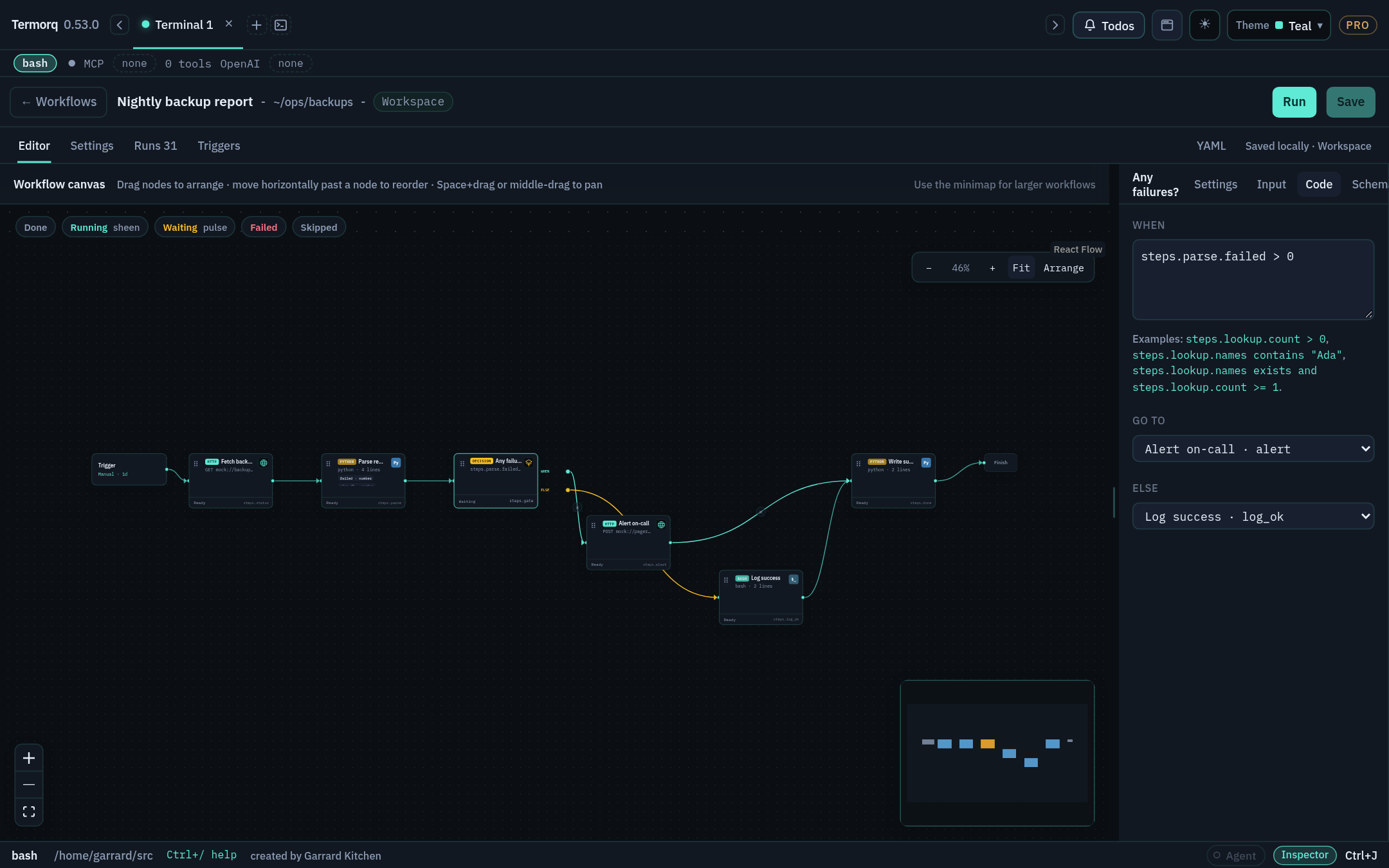
Workflows are a Pro feature and sit behind Settings → Experimental → Workflows, which is off by default. Free builds don’t offer the flag or the page. See Free and Pro.
How the course is organised
The course has eleven stages. Each stage builds on the previous one, so if you’re new to Workflows, start at Stage 0 and work forwards. If you already build workflows, go straight to the stage you need.
| Stage | You will be able to… |
|---|---|
| 0 · Orientation | Say what a workflow is, enable it, and find your way around the page |
| 1 · Your first workflow | Build, save, run, and inspect a two-block workflow |
| 2 · The programming model | Use TERMORQ_INPUT, uses, output schemas, ok, and Execute step |
| 3 · Seven languages | Write the same block in Bash, PowerShell, Python, C#, Rust, JavaScript, and TypeScript |
| 4 · Connecting blocks | Add HTTP, MCP, and AI blocks, and use ✦ Autogenerate |
| 5 · Control flow | Branch with Decision, iterate with Loop, and route with then |
| 6 · YAML authoring | Write and validate a complete workflow file by hand |
| 7 · Runs and operations | Read run folders, pause and stop runs, and use termorq-cli |
| 8 · Triggers | Start workflows on a schedule, at startup, after another workflow, or from a file change, HTTP request, or Telegram message |
| 9 · Capture and share | Turn a terminal session into a workflow, then export and import it |
| 10 · Capstone | Ship one workflow that uses every runnable block type and language, started by HTTP |
What every lesson looks like
Each lesson uses the same layout:
What you’ll build, how long it takes, and what you need before you start.
- Steps that you follow in the app.
- A working snippet: a YAML file or code you can paste.
- Check your run: what a successful result looks like.
- Exercise: a short task, with the solution hidden in an expandable box.
Learn vs reference
This site teaches you by having you build things. For full details on any feature, see the Termorq reference docs. Each lesson links to the reference pages it covers.