
Tour the Workflows page
Goal
Find every part of the Workflows page you’ll use in later stages. Time: 10 minutes. Needs: Workflows enabled.
The list
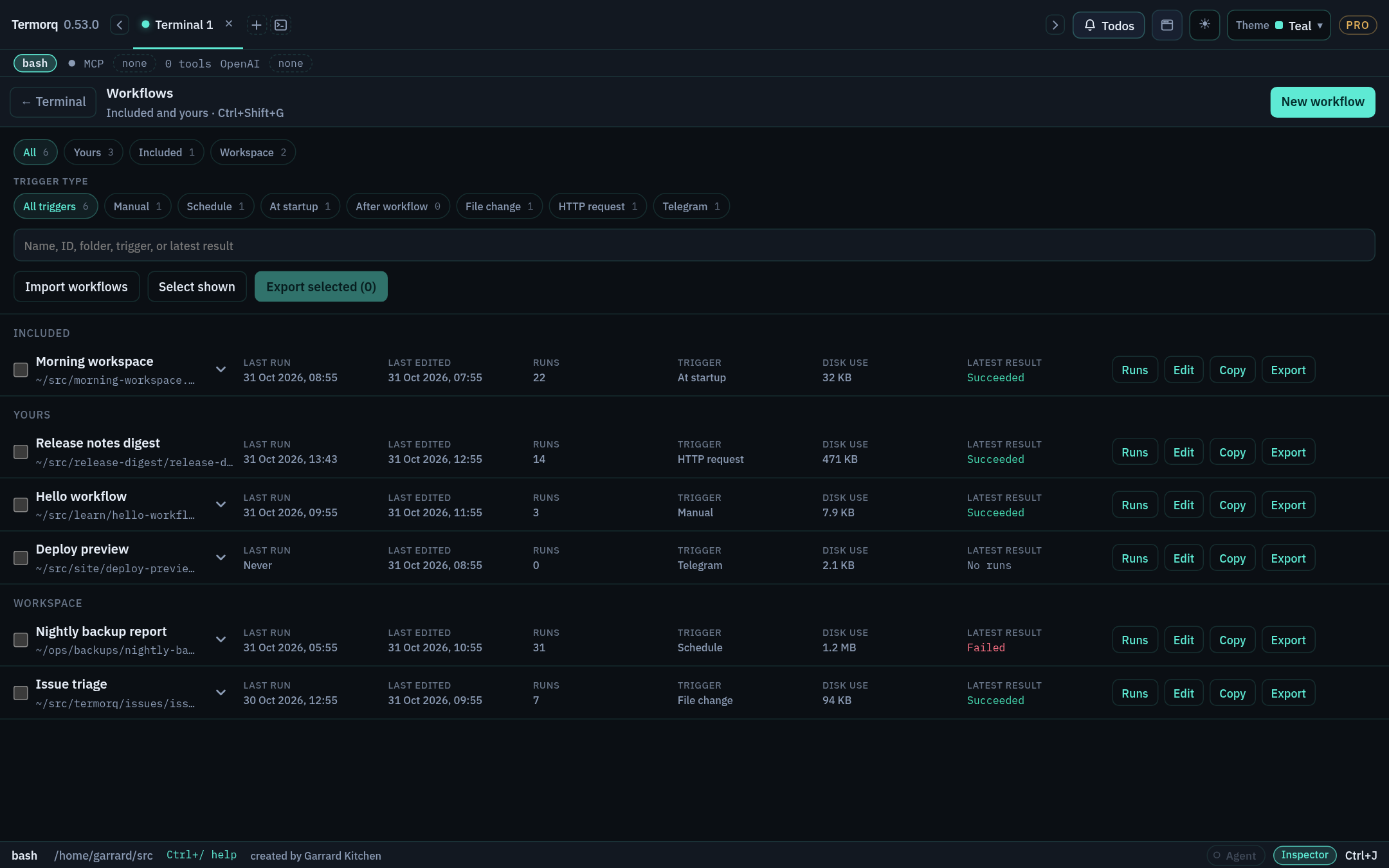
- The All, Yours, Included, and Workspace chips filter by source.
- The trigger pills filter by trigger type: Manual, Schedule, At startup, After workflow, File change, HTTP request, Telegram.
- Each row shows the trigger, last edited and run times, run count, disk use, and the latest result. Its actions are Runs, Edit, Copy, Export, and Delete. Delete appears when you hover over or focus the row.
- Included workflows are read-only. Use Copy to make your own editable version. A copy starts with its triggers paused.
The editor
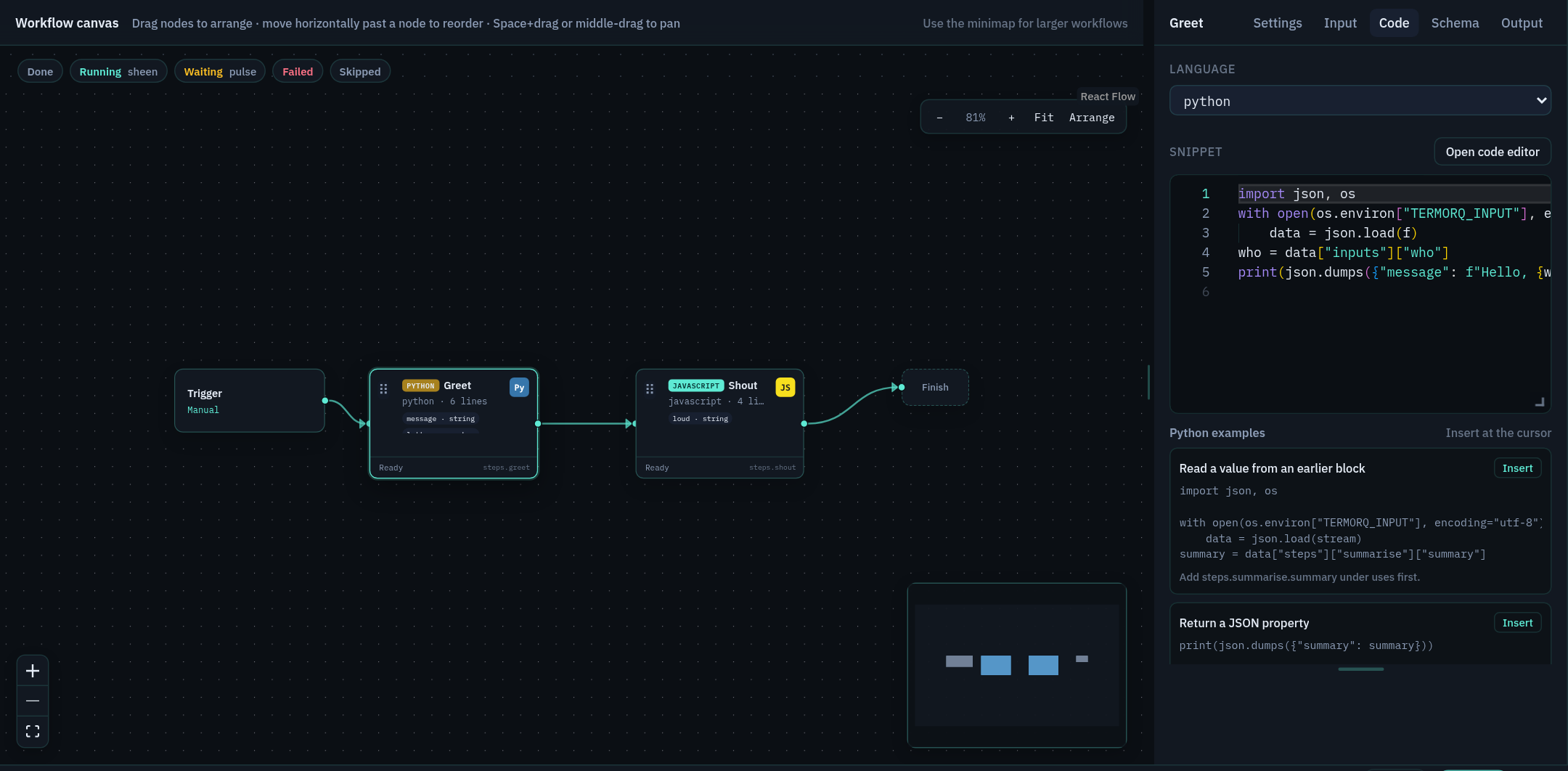
| Area | What it’s for |
|---|---|
| Canvas | Blocks run left to right in file order. Drag a block’s output connector onto empty canvas to add a block, or use + between blocks. Arrange lays the flow out for you, Fit zooms to show everything, and the minimap helps you move around large workflows. |
| Properties inspector (right) | Has five tabs: Settings (name, Node execution), Input (read-only Available data with type pills), Code, Schema, and Output. |
| Settings (beside Editor) | Workflow name, working folder, block timeout, and description (Markdown). |
| YAML tab | The same workflow as text. Tab completes keys, legal values, and {{ }} properties. |
| Triggers | Choose the one active automatic trigger. |
| Runs | This workflow’s run history. |
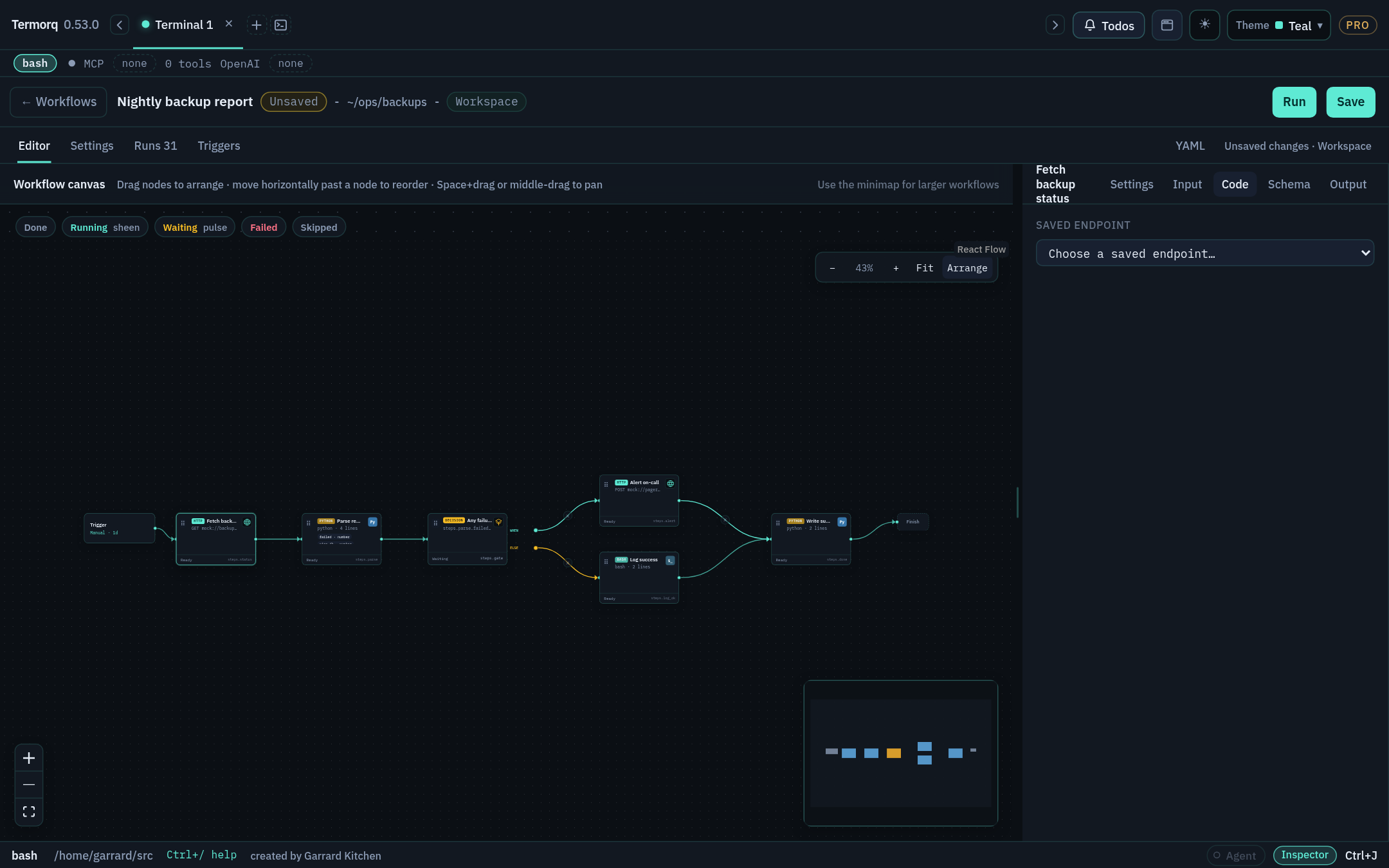
Keyboard and navigation
| Action | Keys |
|---|---|
| Open or close Workflows | Cmd/Ctrl+Shift+G |
| Jump list | Ctrl+J → Workflows |
| Open a workflow by name | @flow Refresh Acme users |
| Pan the canvas | Hold Space and drag, or use the middle mouse button |
| Close a picker | Esc |
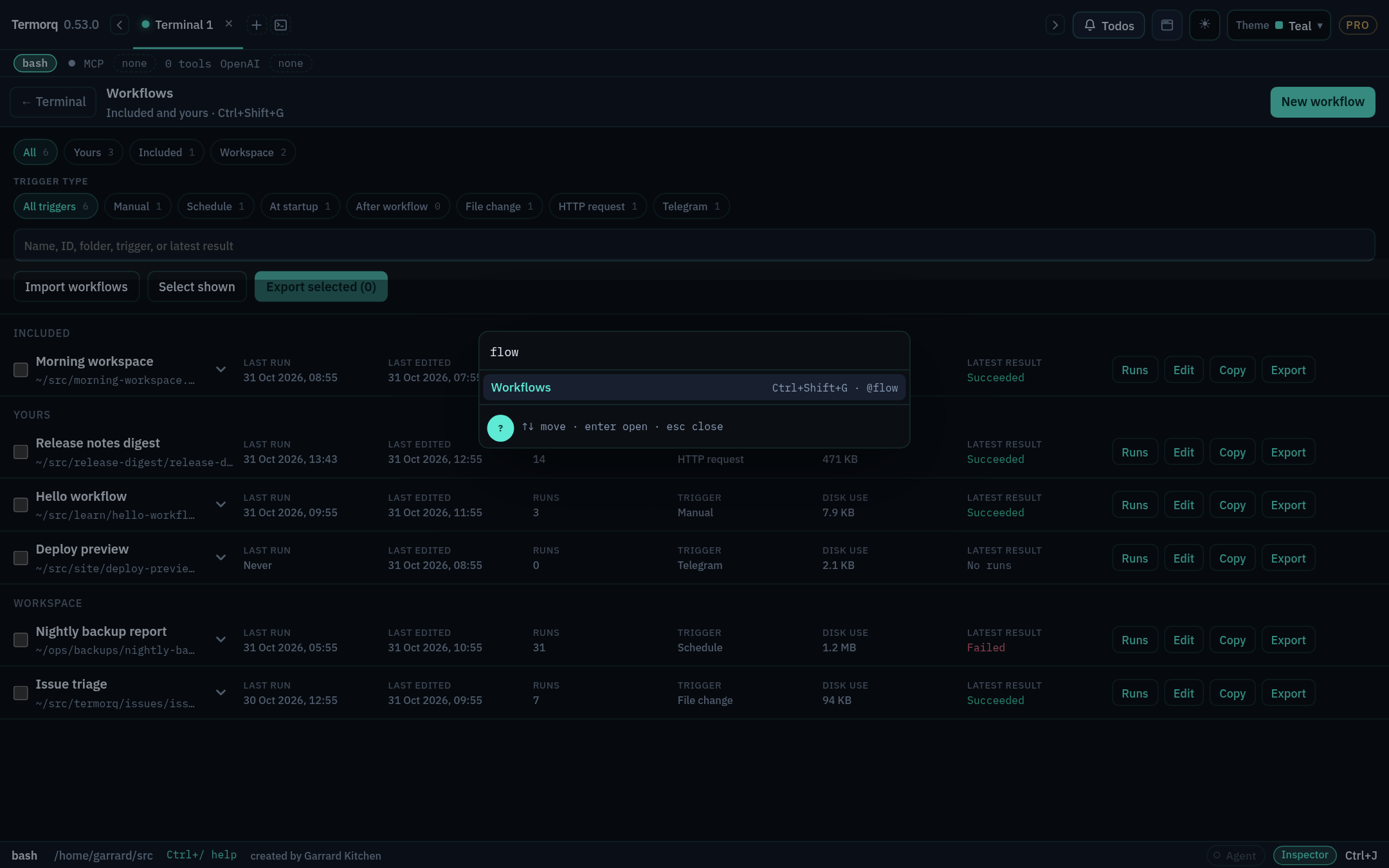
Runs keep going after you leave the page. When a run is in progress, the footer shows a chip such as 1 workflow running. Click it to go back to the page.
Check your run
Open the included Refresh Acme users workflow. Find its four blocks on the canvas, then open the YAML tab and find the same four id: lines.
Exercise
Copy Probe mock so that you have an editable version under Yours. What happened to its triggers?
Reference: Build a workflow