
Publishing output and the output schema
Publish typed properties that downstream blocks can rely on. Time: 15 minutes.
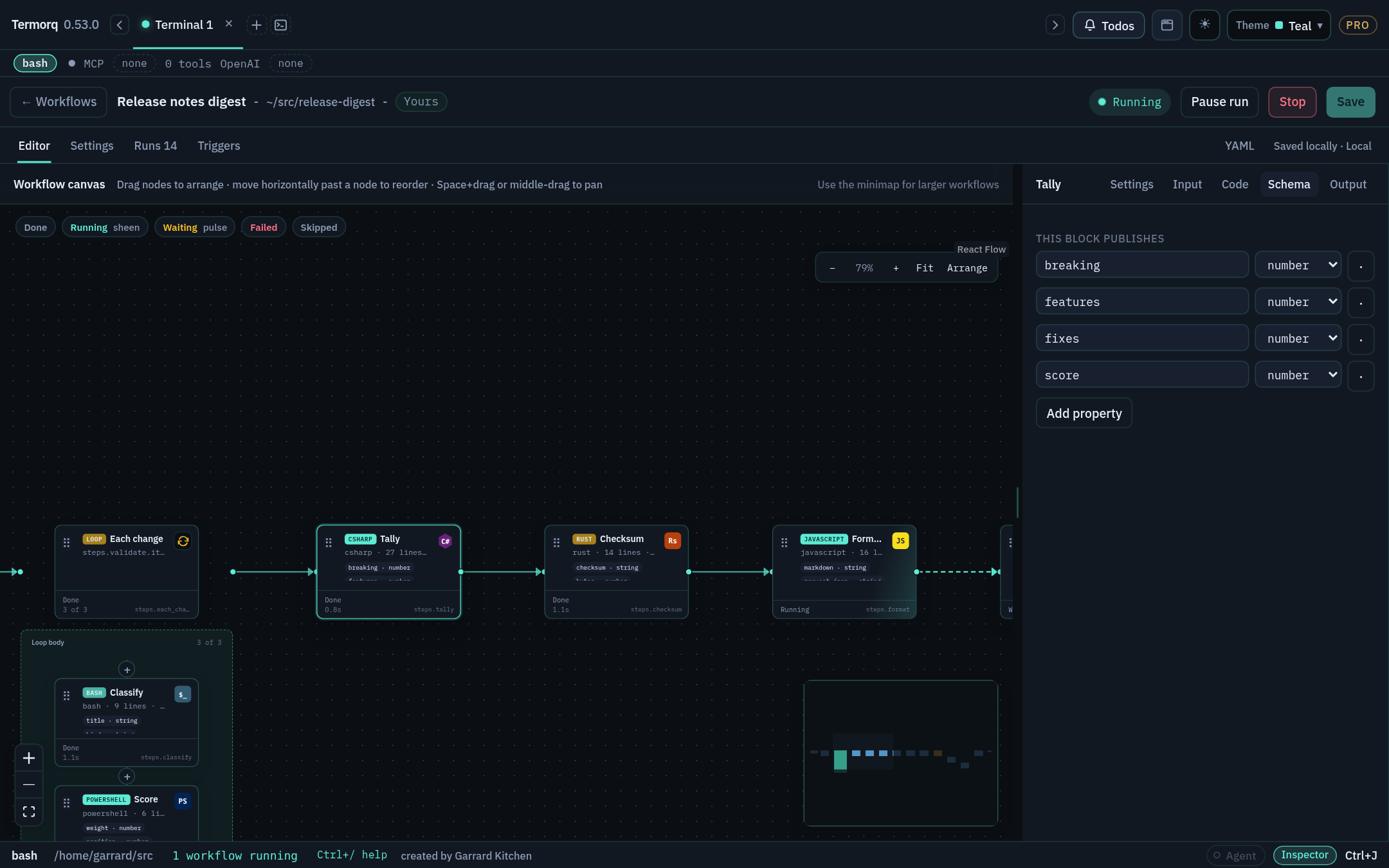
Two modes
| Mode | When | What gets published |
|---|---|---|
| Structured | The block declares custom properties under outputs | The last non-empty stdout line must be one JSON object containing every declared property with the declared type |
| Plain | There are no custom output declarations | text (raw stdout), exit (exit code), and status: ok |
Both modes also record exit, status, and duration_ms. A non-zero exit code fails the block.
The schema
The schema supports the keys type, properties, items, enum, secret, and required. Termorq checks each declared property for presence and type (string, number, boolean, object, or array). The run fails if a property is missing or has the wrong type, or if the last line isn’t a JSON object.
A property marked secret: true is drawn in the warning colour on the canvas and masked in run records.
Try it: three ways to fail
Start with this block, which passes:
Now make each of these changes in turn and run the workflow again:
- Change
"count": 2to"count": "2". The type check fails. - Use
json.dumps(..., indent=2). The output is pretty-printed, so the last line is just}. It fails. - Print
[1,2]last. An array isn’t an object, so it fails.
text is reserved for raw stdout. Name your business data something else, such as message, summary, or body_text. Also, outputs isn’t a file name: Termorq doesn’t read a file to find your output.
Artifacts are different
To produce a file, such as a CSV report, write it to $TERMORQ_OUTPUT, which is the run’s files/ directory. Writing a file there doesn’t publish a property. To tell later blocks where the file is, publish its name:
After the three failing experiments, restore the passing version. emit → Output shows count: 2 and names: ["Ada","Lin"]. Its Input tab, as seen from a later block, shows number and array type pills.
Add an enum so that a level property must be low, medium, or high, and publish "medium".
Reference: Publishing code output