Stage 8 · Triggers
Pro feature
Triggers and their runs are part of Workflows (Pro). Triggers fire only while Termorq is open, and a missed schedule isn’t replayed later.
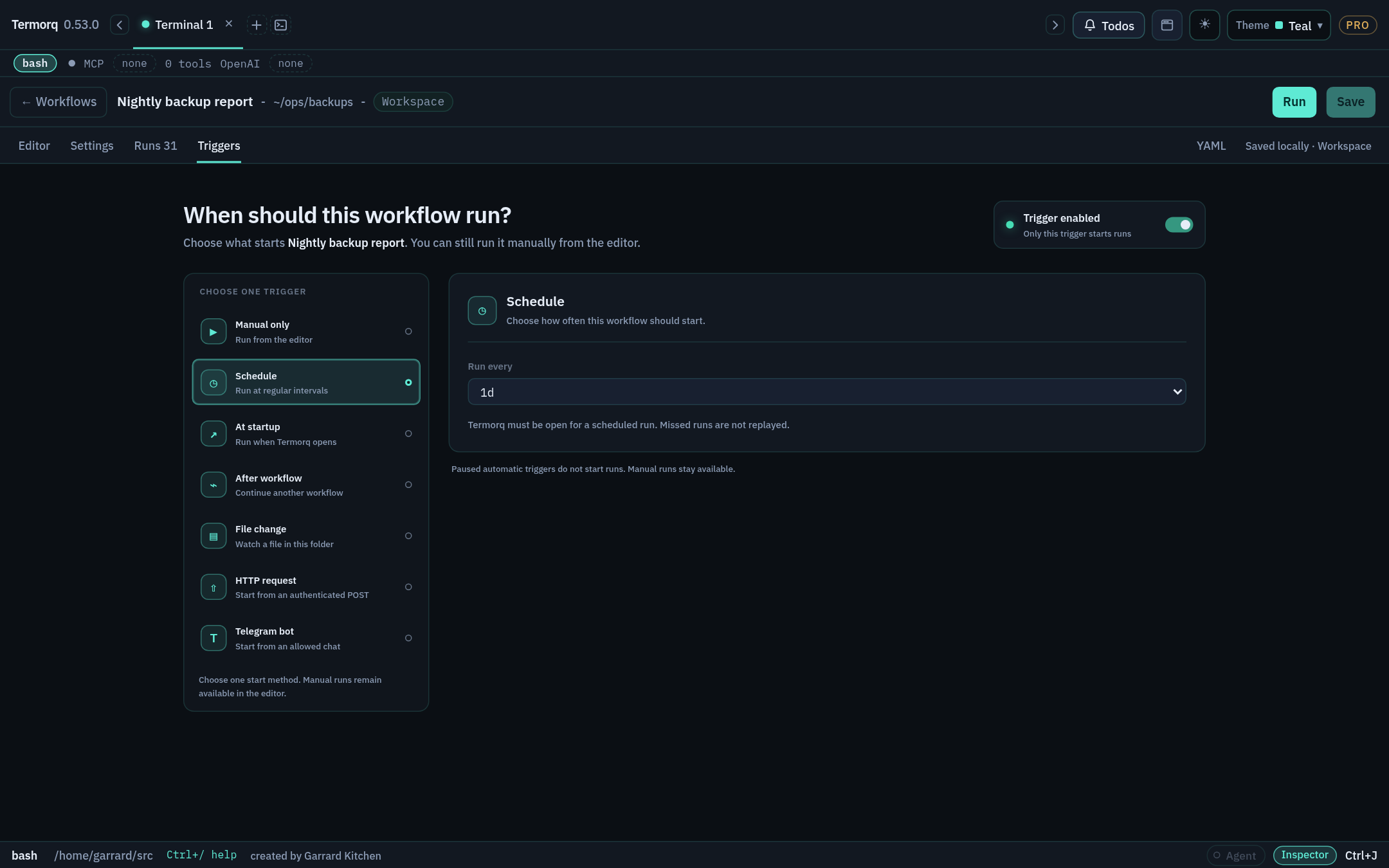
One active trigger, the consent prompt, Pause triggers, and the triggers YAML block.
Preset intervals, 5-field cron (evaluated in UTC), and scheduled inputs.
At startup and After another workflow
Run once when Termorq opens, or chain workflows by outcome.
Watch the workflow folder, filter by path, and read trigger.path.
The local listener, x-api-key, status codes, and mapping the body to inputs and trigger.
Bot token, chat allowlist, commands, and trigger.args.